This Project is usable under CreativeCommons BY-NC-SA-License:

 Attribution - You must give appropriate credit , provide a link to the license, and indicate if changes were made . You may do so in any reasonable manner, but not in any way that suggests the licensor endorses you or your use.
 NonCommercial - You may not use the material for commercial purposes .
 ShareAlike - If you remix, transform, or build upon the material, you must distribute your contributions under the same license as the original.
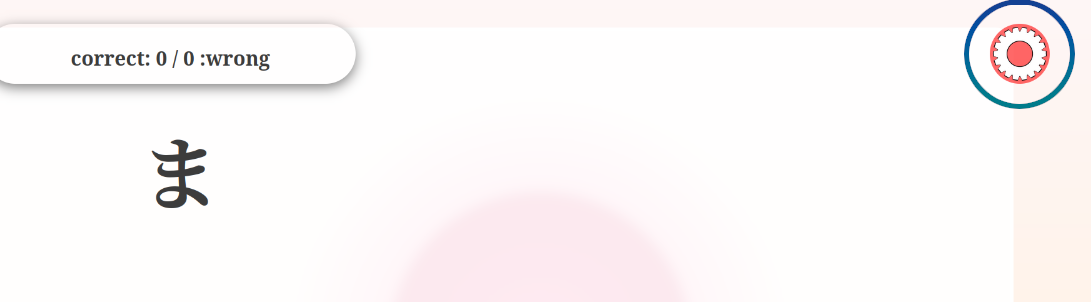
 By clicking on the "gear" button in upper right corner to open the settingswindow.
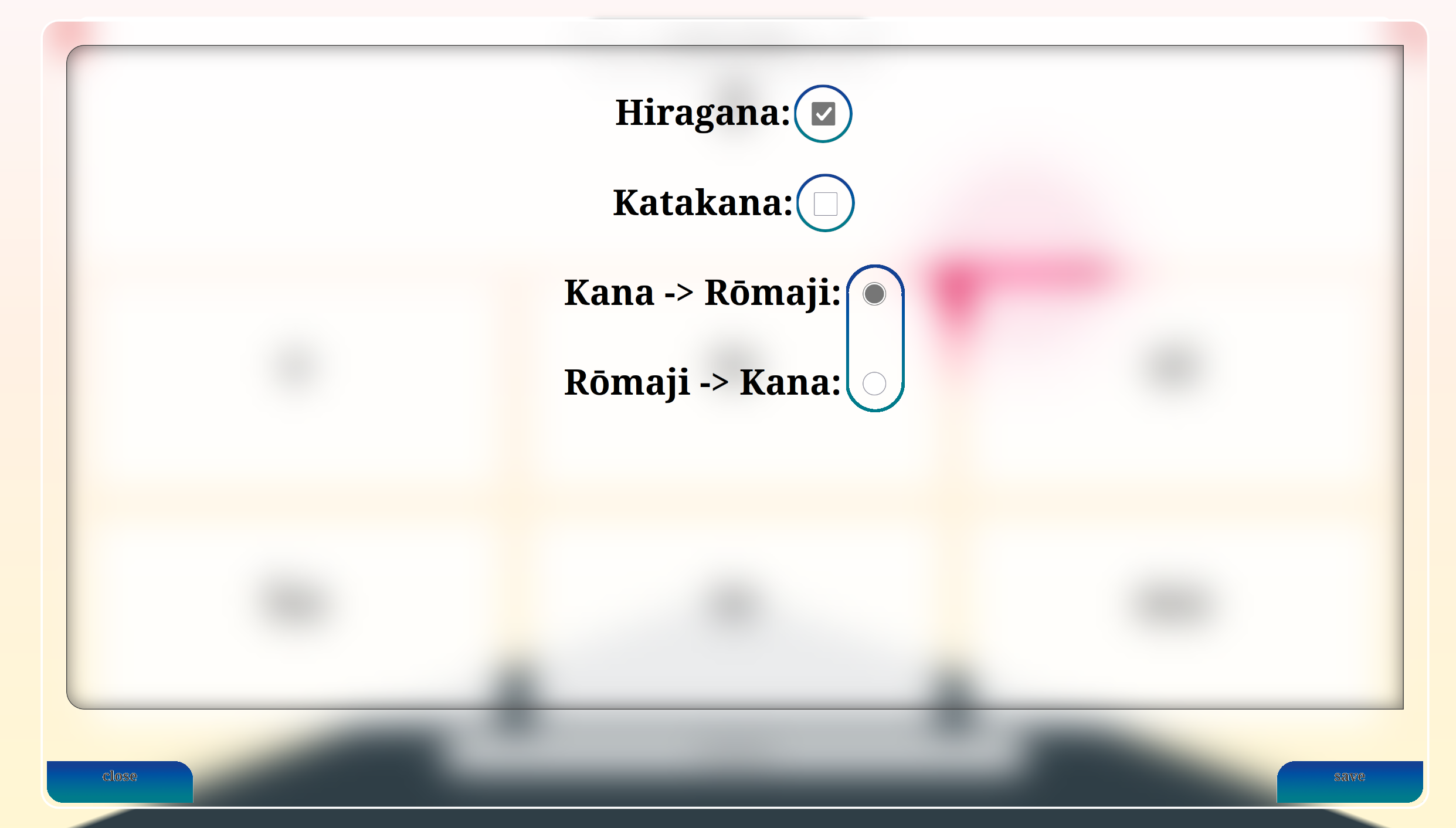
Here you can check Hirgana, Katagana ore both, depending on which alphabet you want to learn.
below the alphabet Setting, you can chose which direction you like to learn. For example the "Kana -> Rōmaji" will set the Task-alphabet to using Hriagana/Katagana and the solution alphabet using letters from the Latin alphabet.
By using the Button, on the bottom left corner, you can exit the settings window without saving and on the bottom right corner you can save and exit the settings.
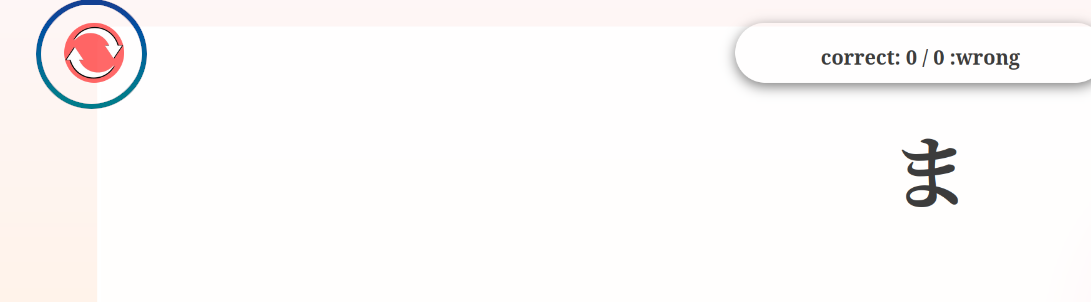
To start a new round click on the button in the top left corner. The status counter, for correct and wrong answers, will then reseted.
After clicking on the new round button a new task-answer set will be randomly generated. On the bottom a button to generate new random task-answer-cards apears on the bottom.

You can start by clicking on the answer card you think is correct.
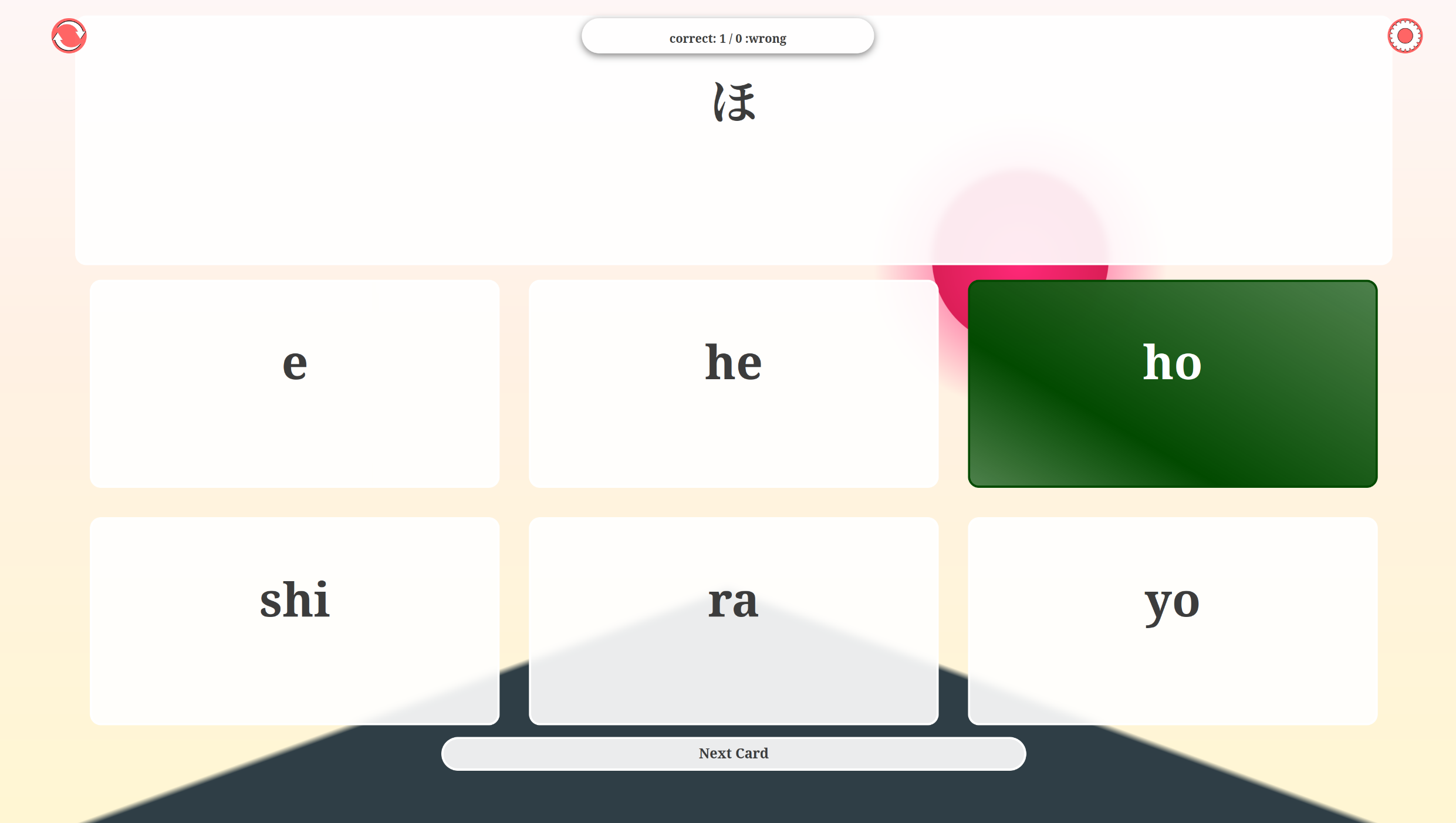
If the answer is correct the clicked answer card will turn green and the status will increase the value of the correct status by one
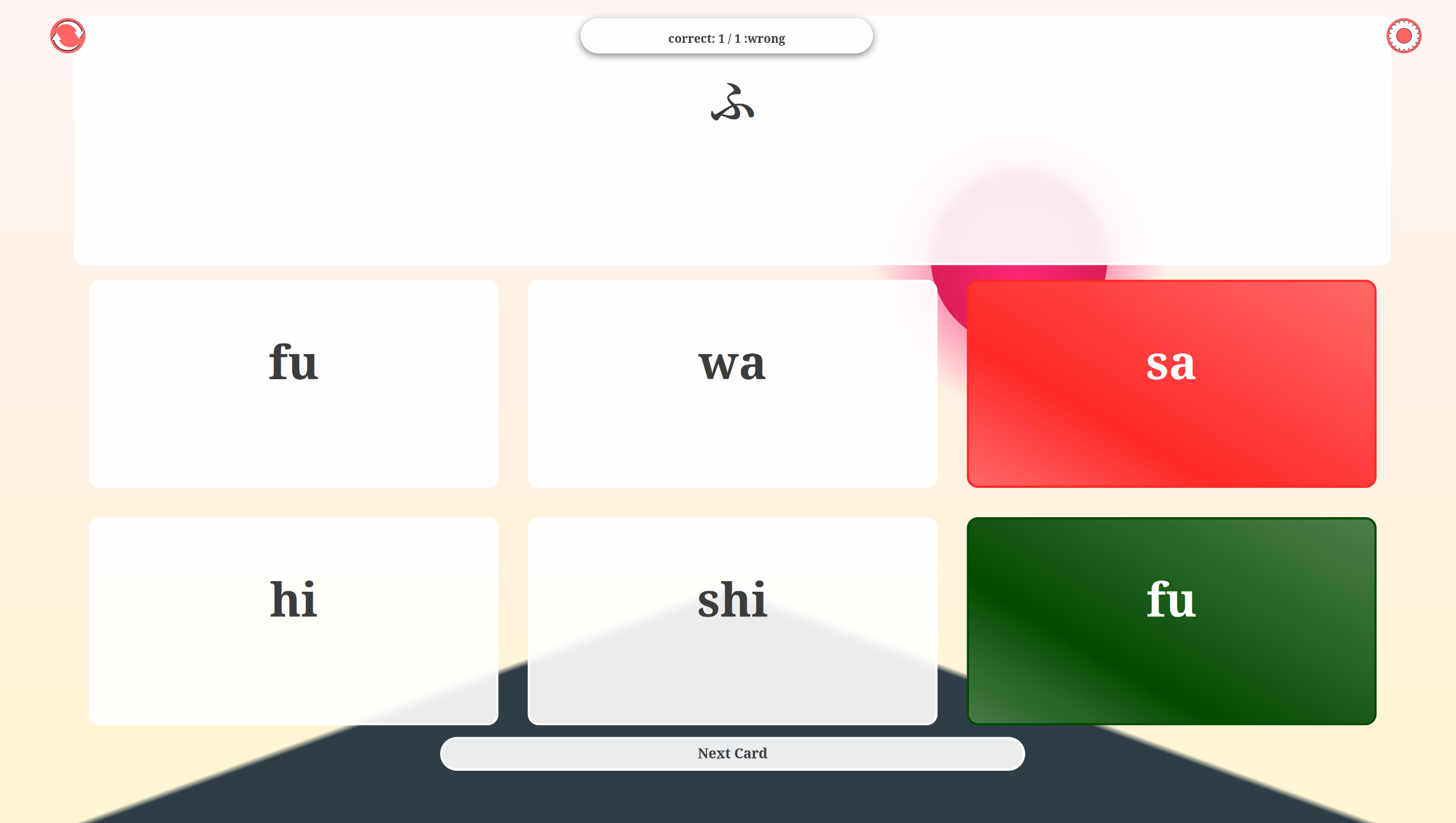
If the answer is wrong the clicked answer card will turn red and the answer card containing the correct answer will turn green and the status will increase the value of the wrong status by one
HTML:
CSS:
JAVASCRIPT: